
Audiovisual solutions for meeting rooms
Efficient meetings, in the room and remotely.
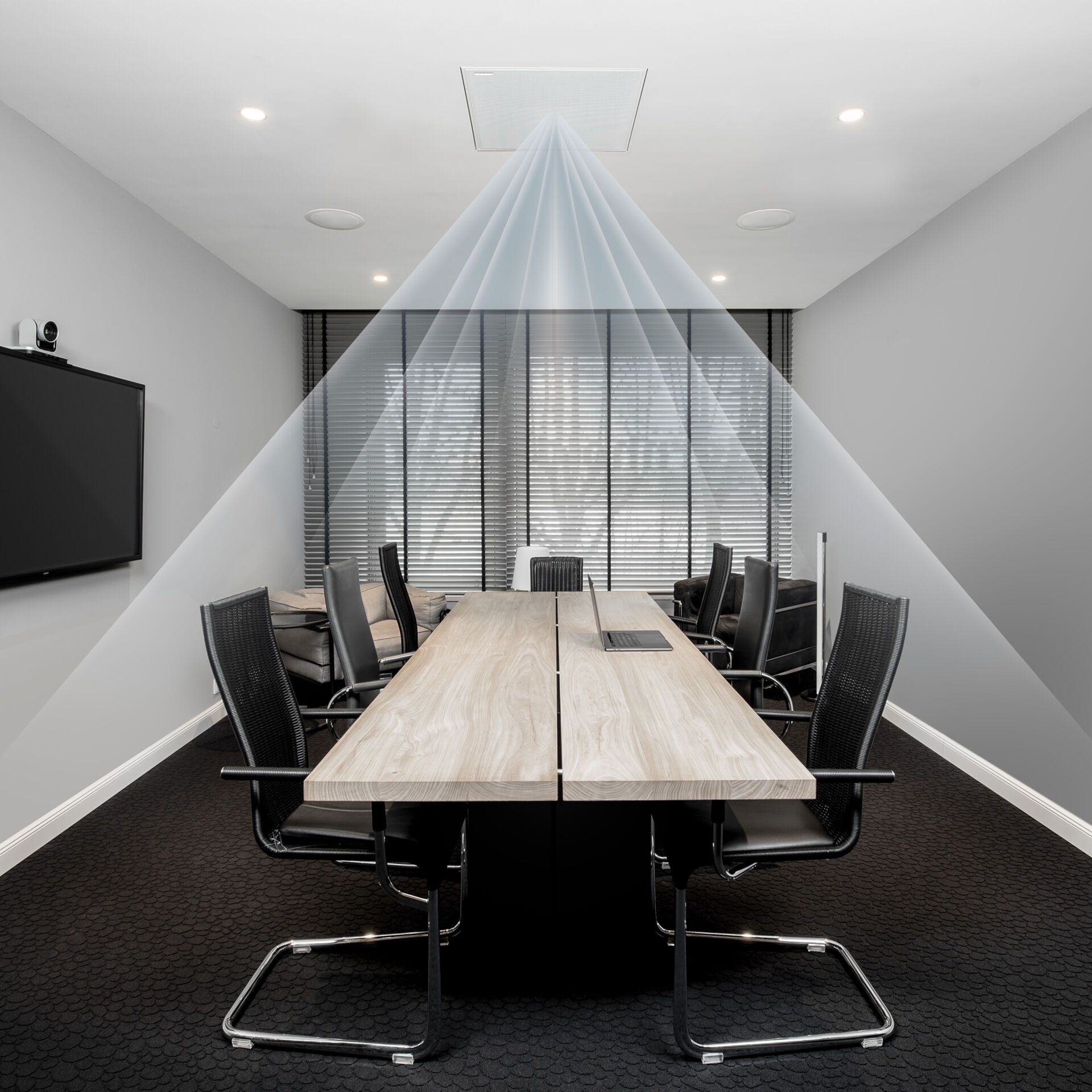
What matters for your venue
Plugging in without friction
Sharing a screen in seconds, with no missing cable or adapter to hunt for.
Clear voices, here and remote
Room, microphones and speakers set up so that everyone understands.
Equipment that fades away
Discreet, and controlled from a single interface.
Possible solutions
A good meeting room is judged by how easy it is to use: plug in, share, speak, be heard. The three set-ups below combine for in-person and remote meetings.
CHOOSE YOUR USE CASE · 3
Video presentation
For which venueMeeting and boardrooms where documents and content are presented.
Documents, presentations and videos shown during the meeting, for effective, visual collaboration.
- Room size and number of participants
- Interactive display or projector, depending on light
- Devices to connect: computers, tablets, smartphones
Equipment needed
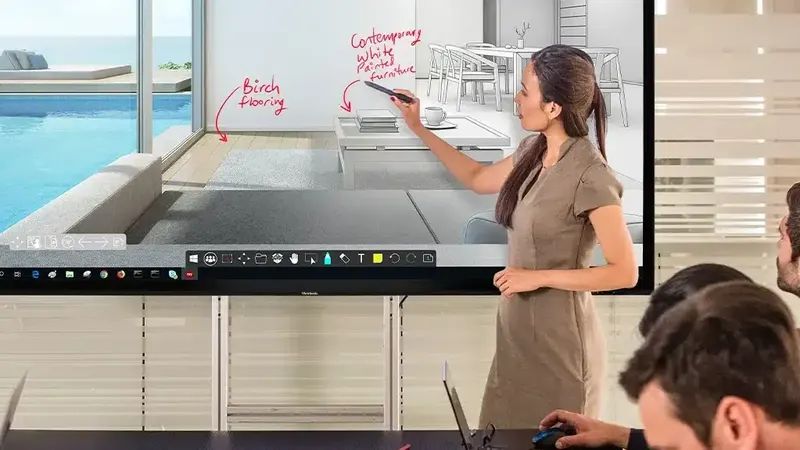 Interactive (touch) screens or projectorshigh-definition, to display presentations and video contentSee the category : Interactive displays and smart boards
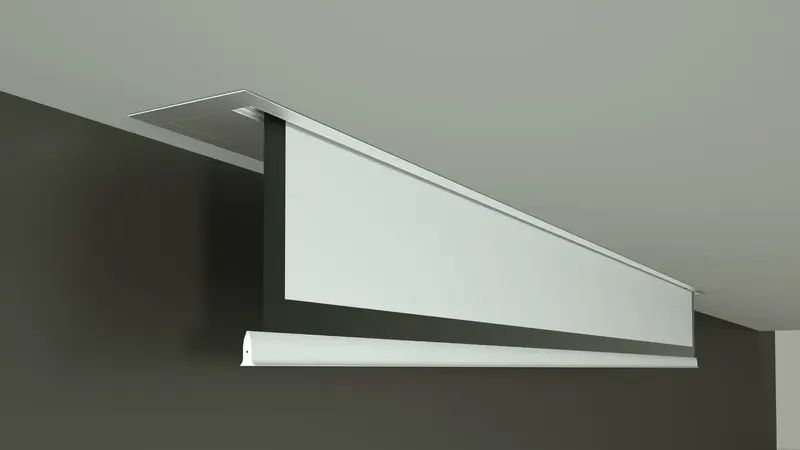 Projection screenif a projector is used: motorised or fixed, for a quality imageSee the category : Projection screens
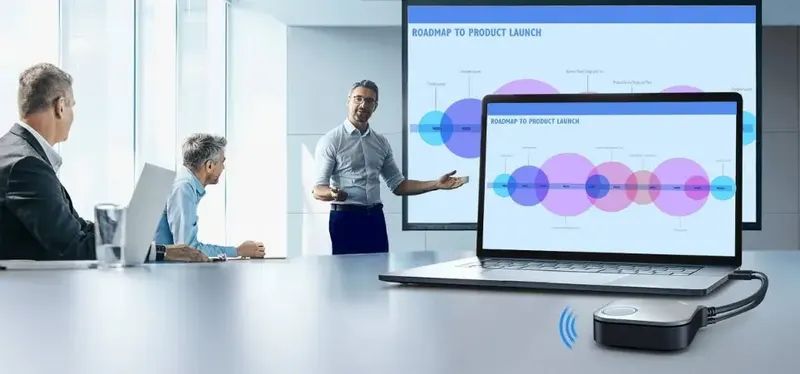 Wireless sharingto share a screen or documents from a computer, tablet or smartphone, without cablesSee the category : Video cables (HDMI, DisplayPort)
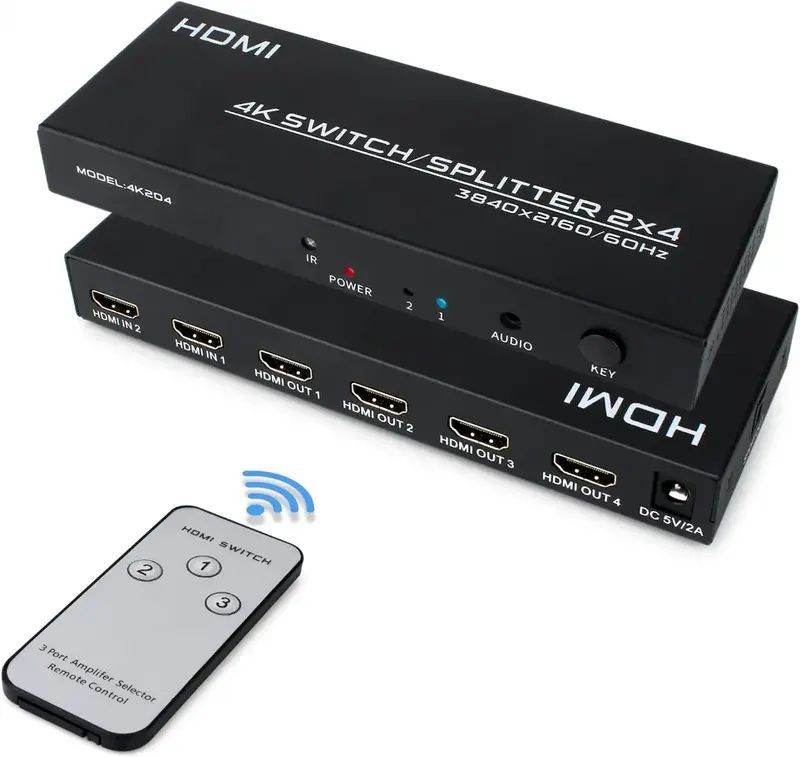 HDMI hub or switchto switch between several video sources (PCs, players…)See the category : Video cables (HDMI, DisplayPort)
Videoconferencing
For which venueRooms linked to remote teams or customers.
Remote meetings are increasingly common: a videoconferencing system connects people in the room with those who are remote.
- Video conferencing platform used
- Room framing and camera position
- Sound pickup for every participant
Equipment needed
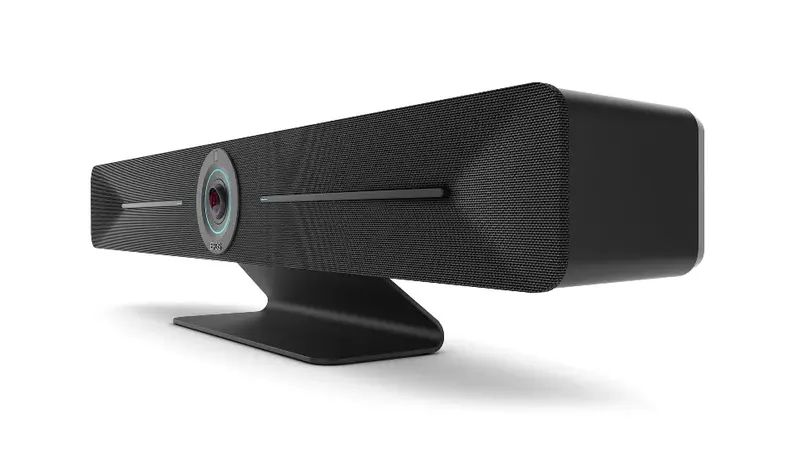 Videoconferencing camera (PTZ)motorised, with zoom and speaker tracking, suited to meeting roomsSee the category : Cameras and videoconferencing systems
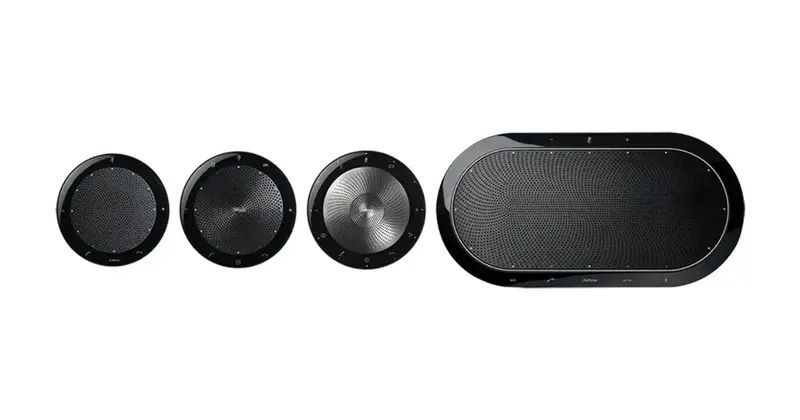 Integrated or separate microphones and speakersto pick up and play back participants' voicesSee the category : Cameras and videoconferencing systems
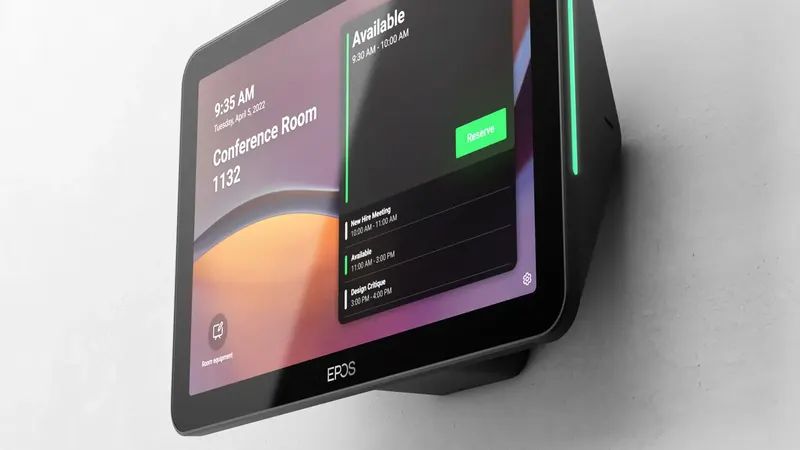 Centralised controlto manage volume and audio sources from a single interface (tablet or wall panel)See the category : Cameras and videoconferencing systems
Sound
For which venueRooms where everyone must understand the discussion, with or without video conferencing.
Good voice intelligibility and even distribution: every participant hears discussions and presentations clearly.
- Room acoustics: glass, partitions, floor
- Handheld, table or ceiling microphones
- Discreet speakers and cabling
Equipment needed
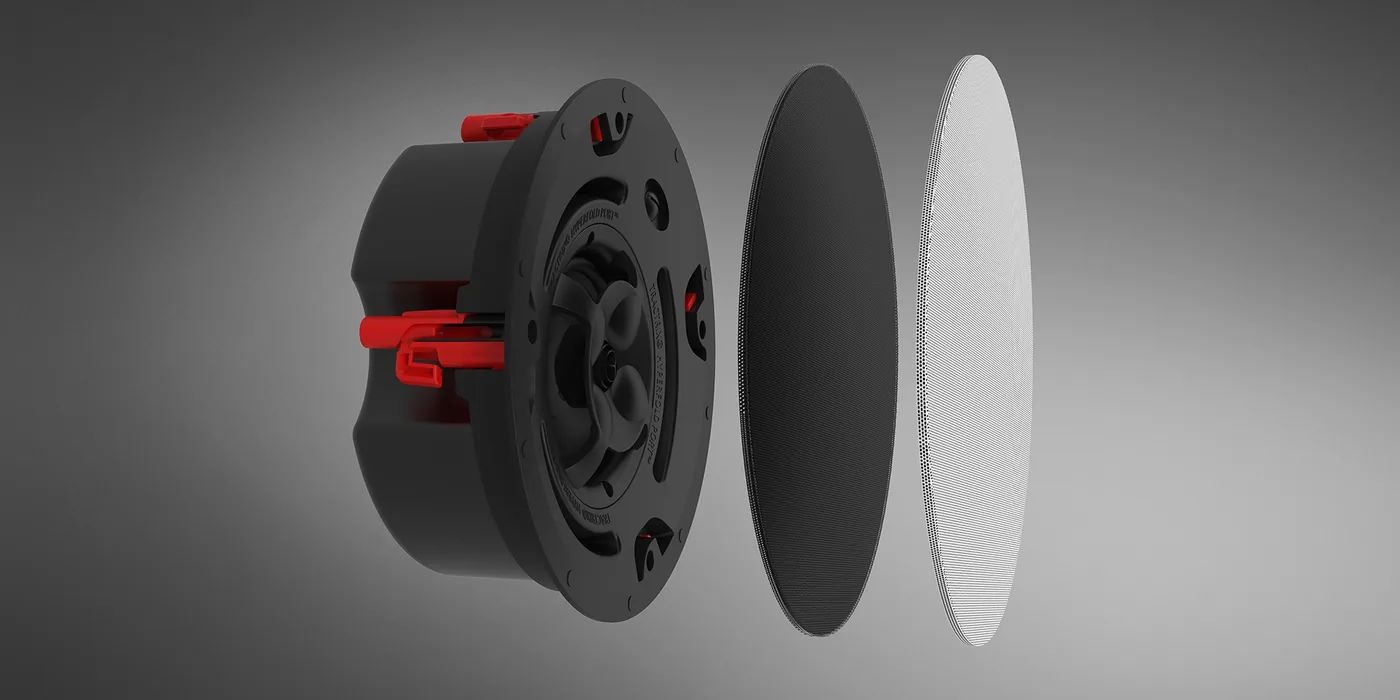 Ceiling or wall speakersdiscreet, for even sound throughout the roomSee the category : Sound and speakers
 Room microphoneshandheld or fixed for presenters, or ceiling microphones to pick up voices without individual devicesSee the category : Microphones
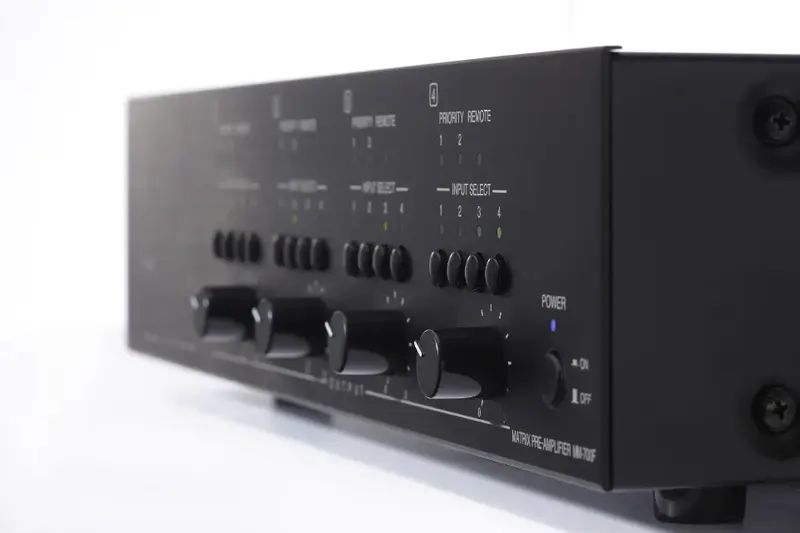 Mixer-amplifierto amplify microphones and audio sources (computers, smartphones)See the category : 100 V mixer-amplifiers
ProSound solutions
Tailor-made and scalable
Each system is sized for the venue: its size, zones and uses. It can grow with it.
Recent equipment
Recent equipment, with public-address (PA) and video distribution (IPTV) systems that switch automatically to emergency messages.
Centralised management
Sound zones, video distribution and announcements are controlled from a single interface, accessible remotely.
Need advice?
Describe your project: a technician will call you back to schedule a visit or a demonstration at the showroom.